
GRABBER A
GRABBER E
INDUSTRY
Entertainment,
Education
SCOPE
Design, Modeling
Rigging, Animation
DELIVERABLES
Short Film
TOOLS
Blender
BEHIND THE SCENES
EXAMINE THE MODELS
Explore both construction arms up close. Rotate and zoom to see the details from any angle.
Additionally, open the viewer’s built-in model inspector to examine the models layer by layer. You can view the wireframe, the bones that drive the animation, the UV maps that lay out the textures, and the separate material passes: base color, roughness, and bump.
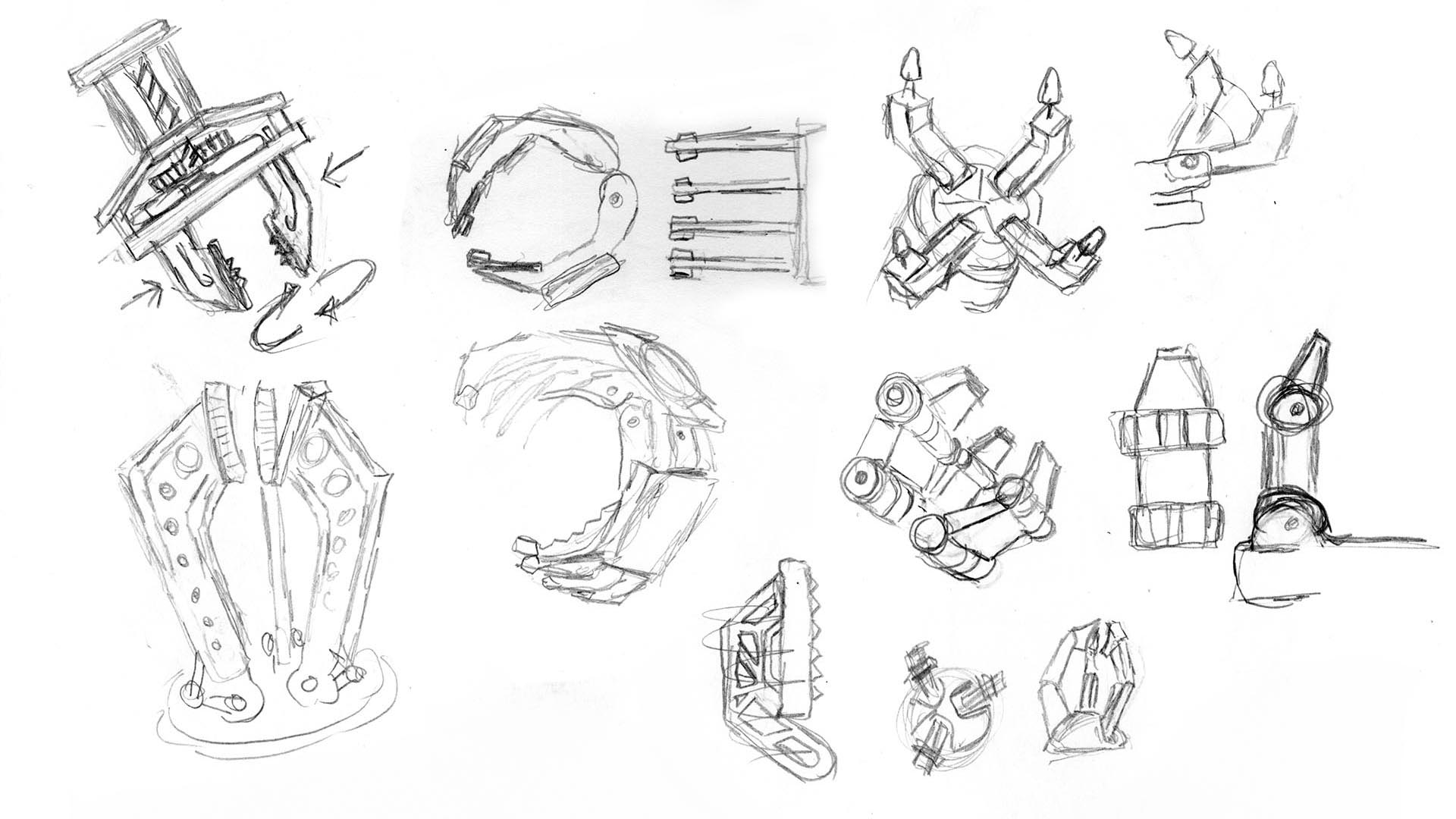
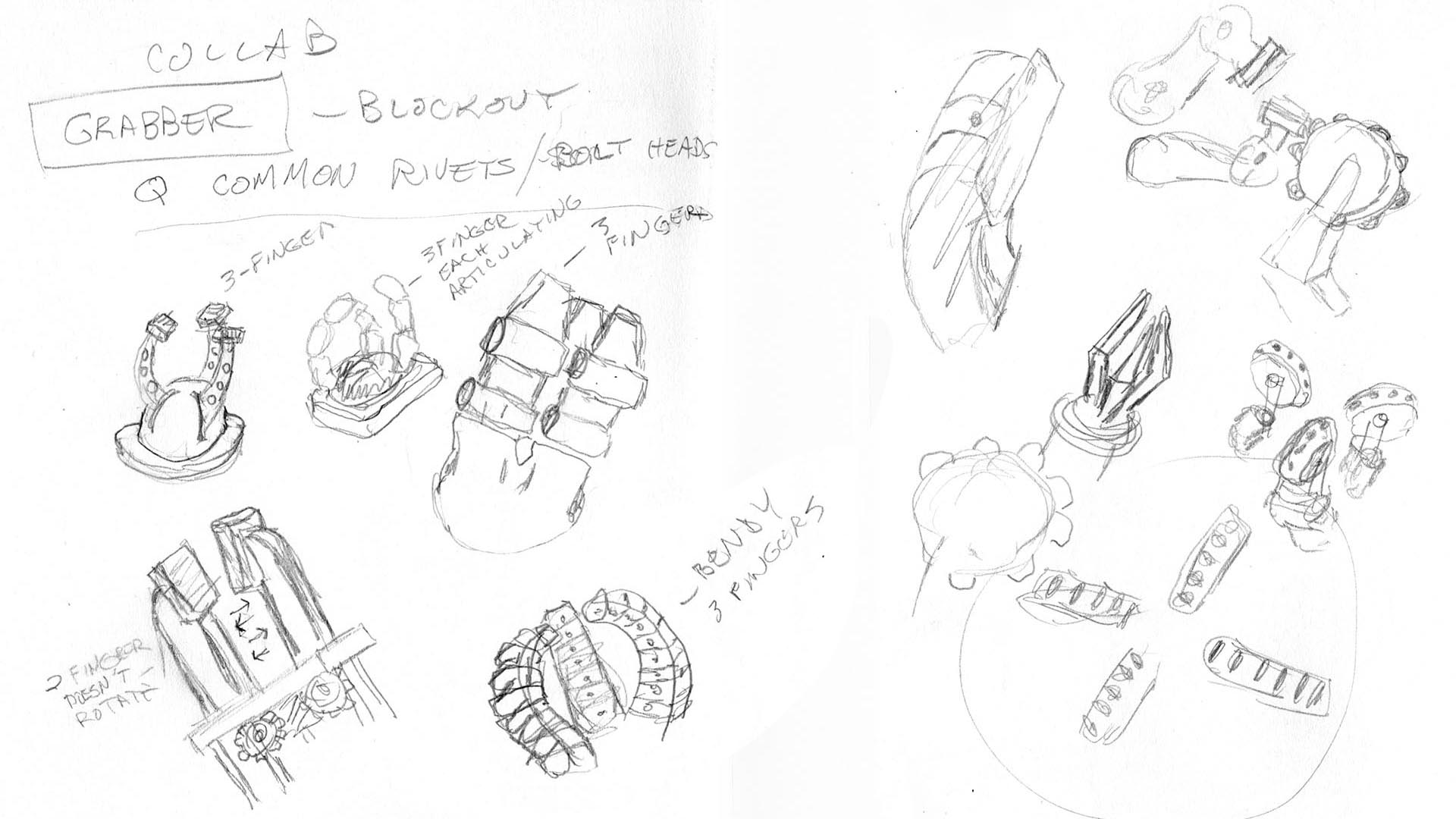
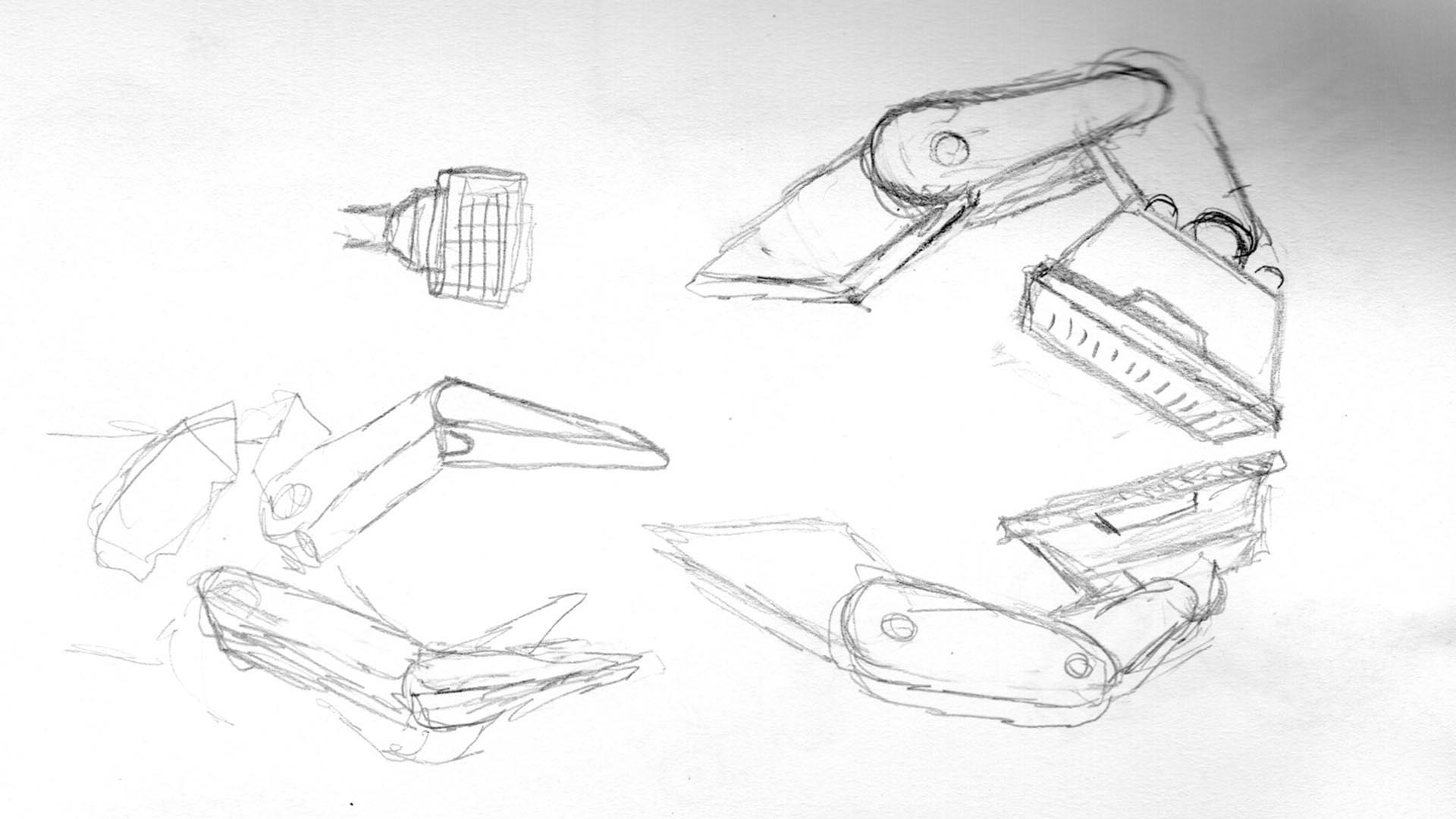
INITIAL DESIGN EXPLORATION
Every design starts on paper. My assignment was a construction tool to help assemble the film’s giant robot, so I sketched out a range of ideas and developed the strongest into a final design. With so many artists building a single, cohesive world, ideas had to move freely through the entire team. When two models needed to interact but didn’t quite fit together, both artists reworked their designs until they could handle everything the animation asked of them.
ARMATURE RIG
To animate the arms, we use armatures, digital skeletons that control how each joint moves. When we found that some robot parts couldn’t be picked up realistically by the existing arms, I designed, built, and rigged a second grabber in about half the time of the first.
BEFORE AND AFTER (ANIMATION)
In this scene, a grabber attaches the hand to the mech’s arm. The construction arms were shared across the team, so each animator picked the right tool for the shot. Here that was another artist’s grabber, just as my arms turned up in other people’s scenes. What looks like a simple move is packed with tiny movements that give the heavy machinery its weight. Drag the slider to compare my final animation untextured with the same shot as it appears in the film.
Untextured
Rendered
FINAL FILM
Peacemaker Protocol was made in eight weeks by 34 artists, each contributing a piece of the final film. It’s a great example of what a team can build together under a tight deadline. Sit back and enjoy the result.